Notion
A Notion version is on the way for flexible workspace planning.
Coming soonPlan beautifully. Travel lightly.
Eight thoughtful, editorial-quality planners for every kind of trip—free to download, easy to edit, and made to look good when shared.
Browse by format
Choose the format that makes your plan easiest to edit, share, calculate, or take offline.
Collaborative, readable trip briefs that stay in sync across devices.
Browse templates SReal-time planning for groups, live updates, and shared travel details.
Browse templates XFlexible budgets, formulas, and trip data in a workbook you control.
Browse templates WPolished, editable documents for clear travel briefs and handoffs.
Browse templates PPrint-ready, reliable plans for offline access and travel-day reference.
Browse templatesA Notion version is on the way for flexible workspace planning.
Coming soonThe collection
Choose the planning style that fits your journey. Each one is designed as a generous, full-page template—not another wall of tiny thumbnails.
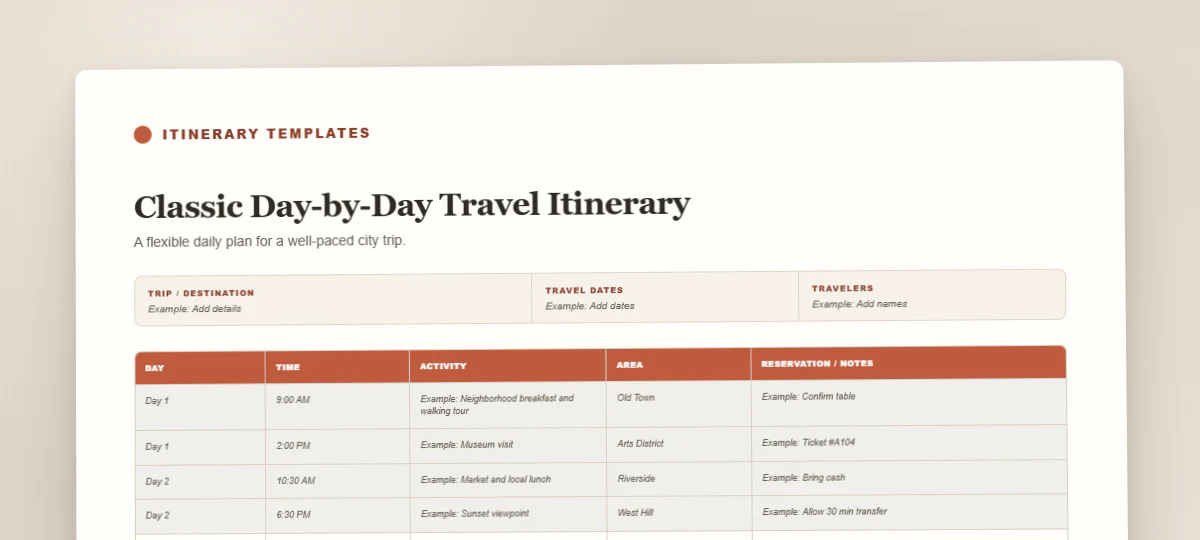
The essential planner
Map each day from breakfast to evening, with room for reservations, neighborhoods, and notes.
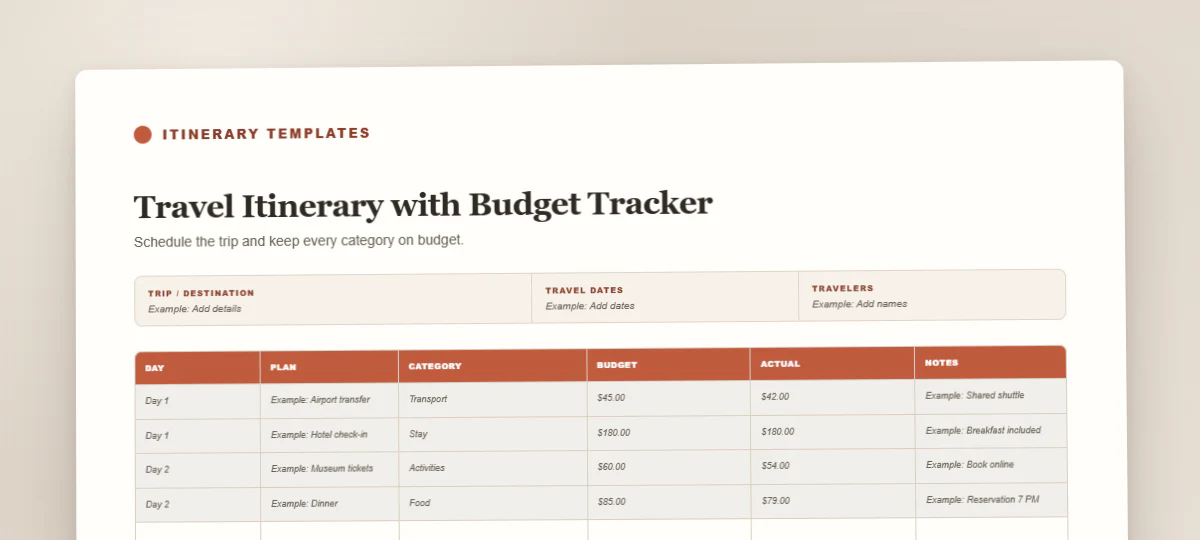
View template detailsPlan and spend wisely
Keep the schedule and trip costs together, from flights and stays to meals and small extras.
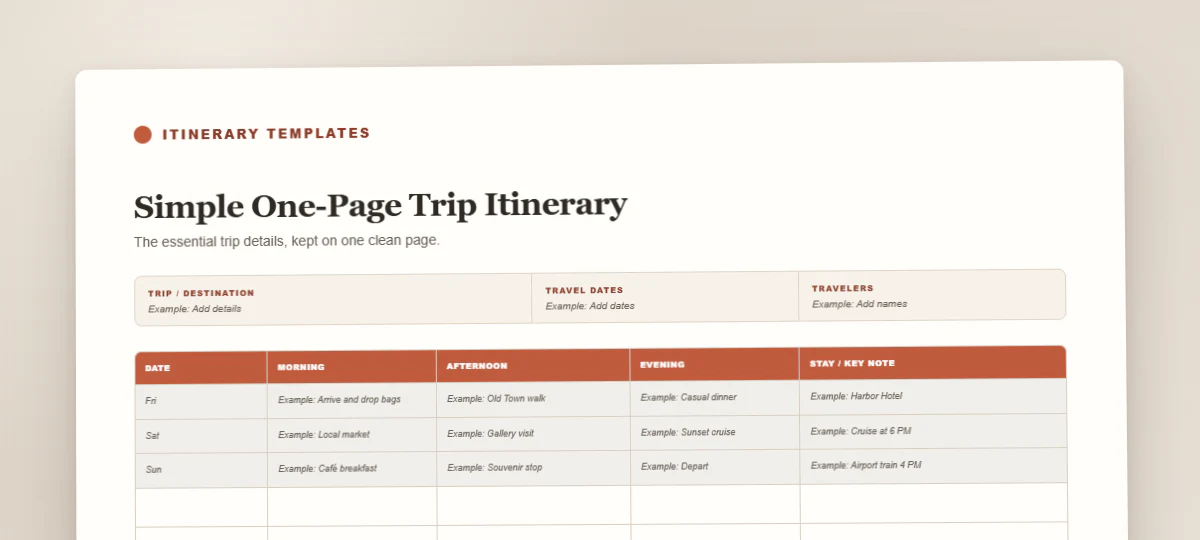
View template detailsEverything at a glance
A compact overview for short breaks, weekend escapes, and travelers who prefer a clean single page.
View template detailsCalm plans for busy days
Balance kid-friendly activities, rest breaks, meal plans, packing notes, and family logistics.
View template detailsArrive prepared
Organize flights, meetings, contacts, confirmations, and transfer times in one polished brief.
View template detailsClear travel evidence
Present proposed flights, accommodation, and daily movements clearly for a visa application.
View template detailsMade for the open road
Track daily routes, driving time, fuel, scenic stops, lodging, and the practical details between.
View template detailsOne plan, many travelers
Coordinate owners, shared bookings, group activities, payments, and expense splits without confusion.
View template detailsTell us the shape of your trip and watch a practical day-by-day planner take form—ready for your edits, not trapped in a chat.
Open the full AI itinerary generator →How it works
Start with the format and level of detail that suits the trip.
Replace the example rows with bookings, plans, costs, and notes.
Keep a copy offline, send it to the group, or tuck it into your bag.
Good to know
Google Sheets is usually the easiest choice when several people need to add plans, compare options, or update costs at the same time. Every change is saved automatically and the group can use comments without creating duplicate files. Google Docs works better when the itinerary is mostly a polished, readable schedule. For groups that want stronger expense tracking or formulas, choose Excel and keep one shared master file in OneDrive or another collaborative folder.
Yes. Google Docs and Google Sheets are the most convenient mobile options because their iOS and Android apps preserve the layout and save changes automatically. Word and Excel also work well in Microsoft’s mobile apps, although detailed table editing is more comfortable on a larger screen. PDF is best for viewing or printing rather than extensive editing. Before leaving, download an offline copy so your confirmations and daily plan remain available without data or Wi-Fi.
You may adapt the templates for your own trips, internal company travel, or itineraries you prepare for individual clients. You can add a logo, change the colors, and replace the sample content. Please do not resell, redistribute, or publish the blank template files as a competing template product. If you are a travel advisor, the business and day-by-day formats are especially suitable for client handoffs because they keep confirmations, contacts, timing, and notes in a clear professional structure.
The Google Docs version is designed like a readable trip brief: it is ideal for day-by-day plans, notes, addresses, and a document you can print or share. The Excel version is structured for data, making it better for budgets, expense splits, driving distances, and lists that need sorting or formulas. Choose Docs when presentation and narrative flow matter most. Choose Excel when calculations and comparison matter. Both contain the same core planning information, so you can pick the editing style that feels natural.